
Go to Settings ⚙️, click the Business tab, and scroll down to see the upload logo field. Once uploaded, but sure to click save.
To learn more about the proper aspect ratio, dimensions, quality, etc. check out this article.
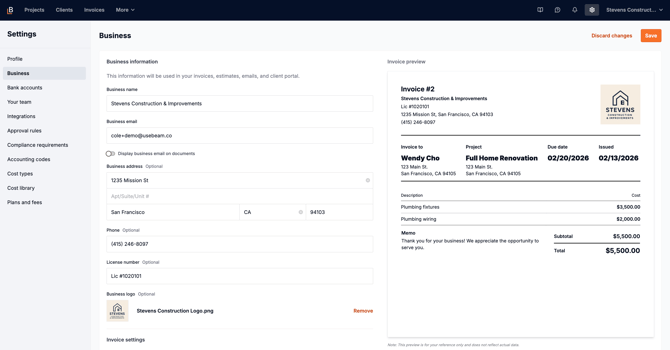
Go to Settings ⚙️, click the Business tab, and scroll down to see the upload logo field. Once uploaded, but sure to click save.
To learn more about the proper aspect ratio, dimensions, quality, etc. check out this article.