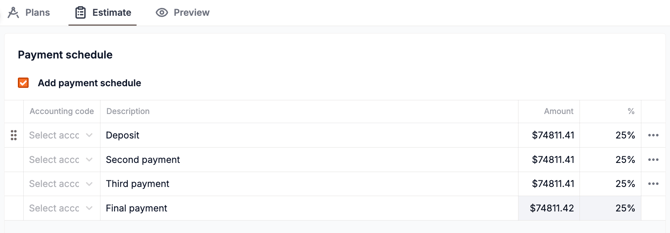
You can create the Payment Schedule by navigating to the bottom of the estimate tab and selecting the Add payment schedule checkbox, then you can edit your payment schedule accordingly.
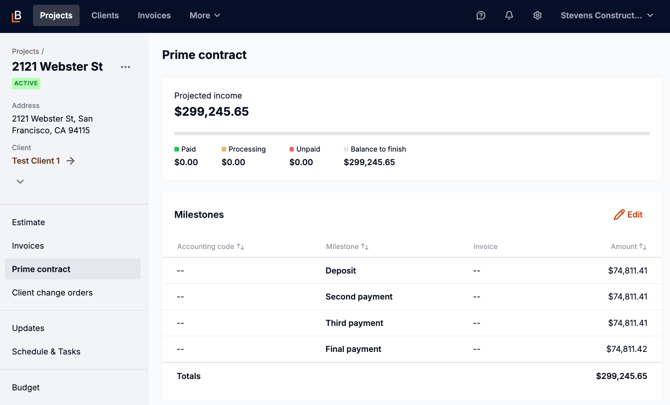
If you create a Payment Schedule within the estimate you send to the client, when the estimate is approved, it automatically creates and populates the Prime Contract. The contract type is set to Fixed Price – Milestone by default.
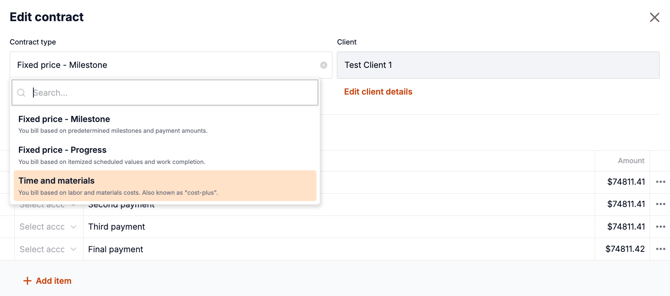
You can always make changes by going to the Prime Contract tab, clicking Edit, and adjusting line items or switching the contract type.