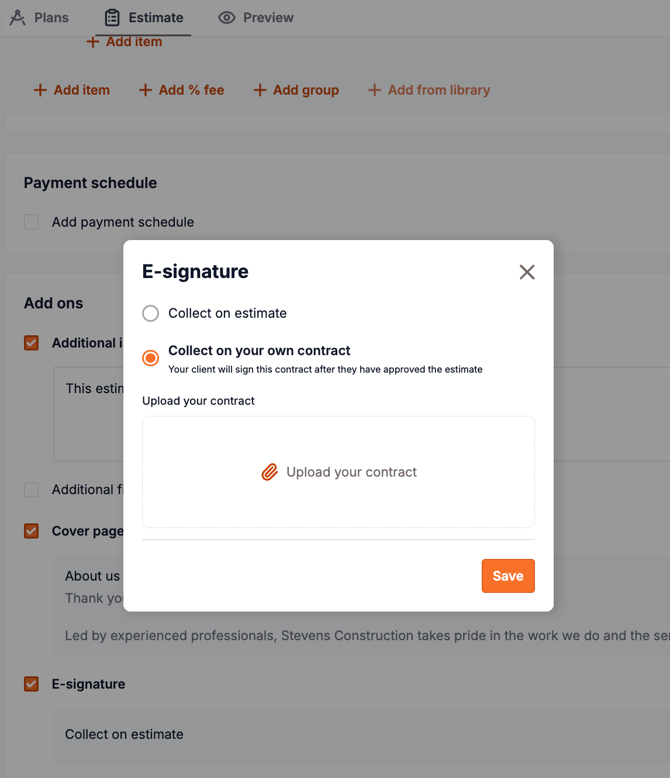
On paid plans, Beam allows you to upload your own contract and collect an e-signature from your client as part of the estimate approval process.
- Upload your contract from the estimate’s E-Signature section.
- Beam automatically appends a signature page so your client can sign digitally.
- Your customer will first review and approve the estimate. After the estimate is approved, they’ll be prompted to review and sign the contract.
You can also add the signature box directly to the estimate instead of using a separate contract.