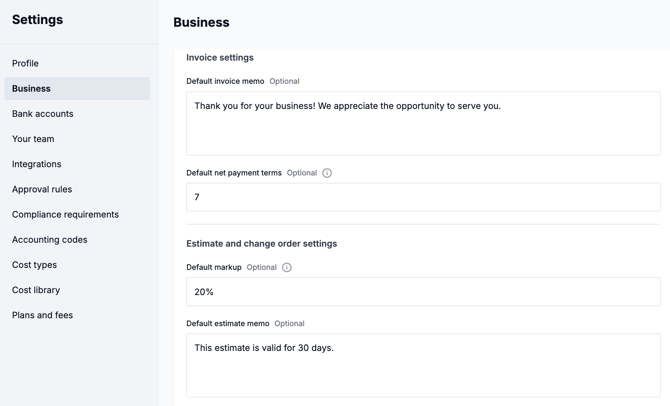
Default estimate memo:
Go to Settings → Business and scroll down to the Estimate and Change Order settings section to add a default estimate memo. This memo will automatically appear on all new estimates, but can still be edited per estimate.
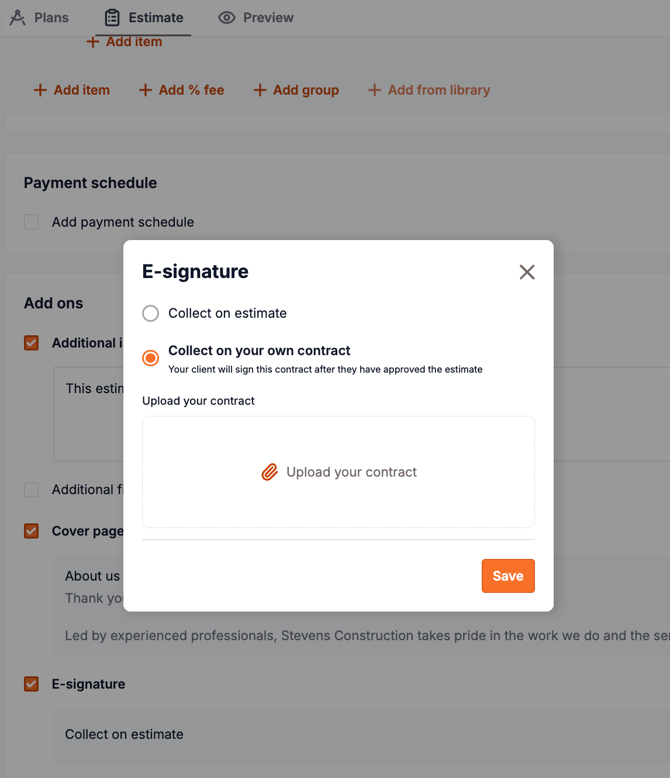
Upload a contract (paid plans only):
In the estimate form, find the E-Signature section at the bottom and click Edit. Upload your contract, and Beam will automatically add a signature page for your client.