
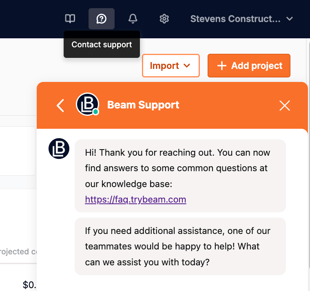
 To change the email associated with your account, please contact support via the in-app chat.
To do so, click on the contact support button at the right of the top navigation bar in your account.
For security purposes, you may be asked to complete phone verification before the email change is processed.